Learn a language by watching real videos
Vilang turns everyday videos into your classroom. Watch real content, tap any word to see what it means, save it, and remember it for good with flashcards and quizzes.
- 15
- Languages
- A1–C2
- Every level
- 0
- Boring drills
Everything you need to learn the natural way
No grammar tables. No memorizing endless lists. Just real videos, one tap at a time.
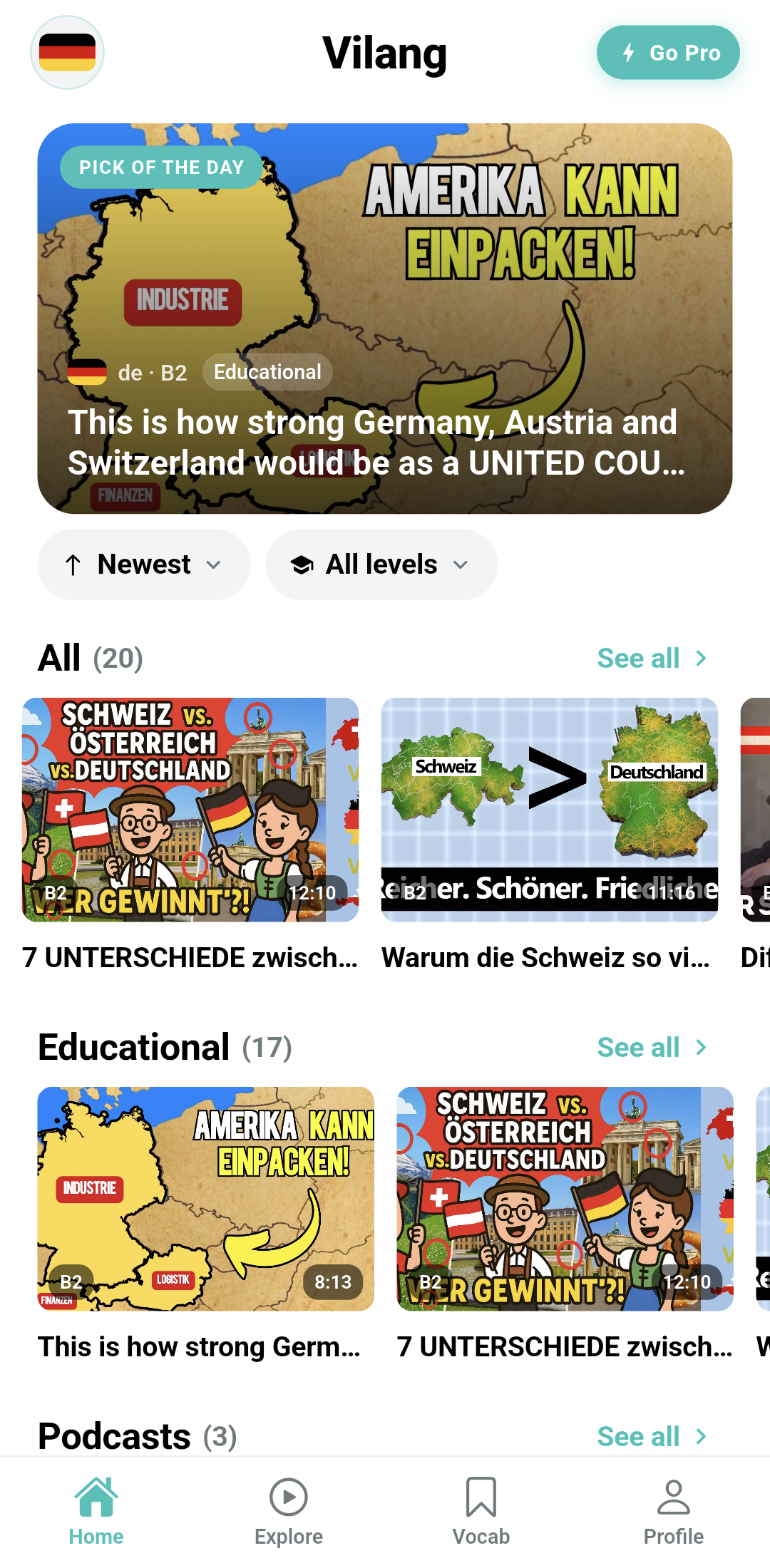
Learn from real videos
Watch content made by real people. Every video shows its level from A1 to C2 and how long it is, so you always pick the right fit.
Tap any word
See the meaning, the part of speech, and an example sentence right away. No need to leave the video or open a dictionary.
Your own vocabulary
Save words with one tap. They are sorted into New, Learning, and Mastered so you always know what to practice next.
Flashcards and quizzes
Practice with cards and quizzes built from your own saved words. Spaced repetition brings them back at just the right time.
Goals, streaks and XP
Set a daily goal that fits your life. Earn points, level up, and build a streak that keeps you coming back.
Browse by topic
Find videos about news, daily life, education, sport and more. Filter by your level and sort by newest or oldest.
Export your words
Take your vocabulary anywhere. Export as a PDF, printable flashcards, a CSV file, or an Anki deck.
Learn 15 languages, with more on the way
Pick the language you want to learn and translate into the language you already know. Vilang supports all of these today.
- English
- Spanish
- French
- German
- Japanese
- Korean
- Chinese
- Italian
- Portuguese
- Russian
- Arabic
- Hindi
- Turkish
- Dutch
- Polish
More languages are added over time.
Four simple steps
This is the whole loop. Do it a little every day and it adds up fast.
- 1
Watch
Pick a video at your level on a topic you enjoy.
- 2
Tap
Tap any word you do not know to see what it means.
- 3
Save
Save the words you want to keep with a single tap.
- 4
Review
Practice with flashcards and quizzes until they stick.
A closer look
Real screens from the Vilang app.
Pick a video at your level
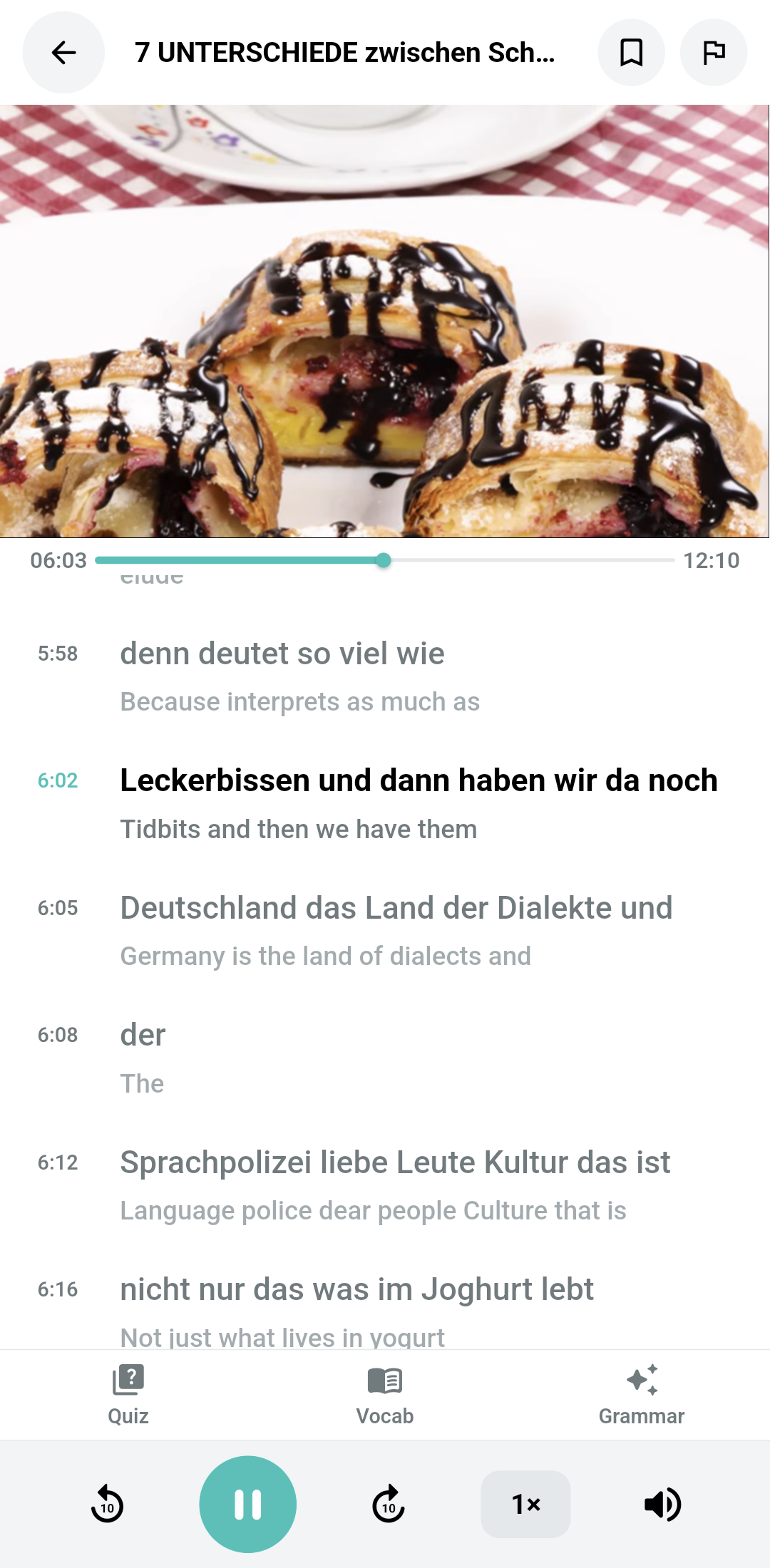
Tap any word to translate it
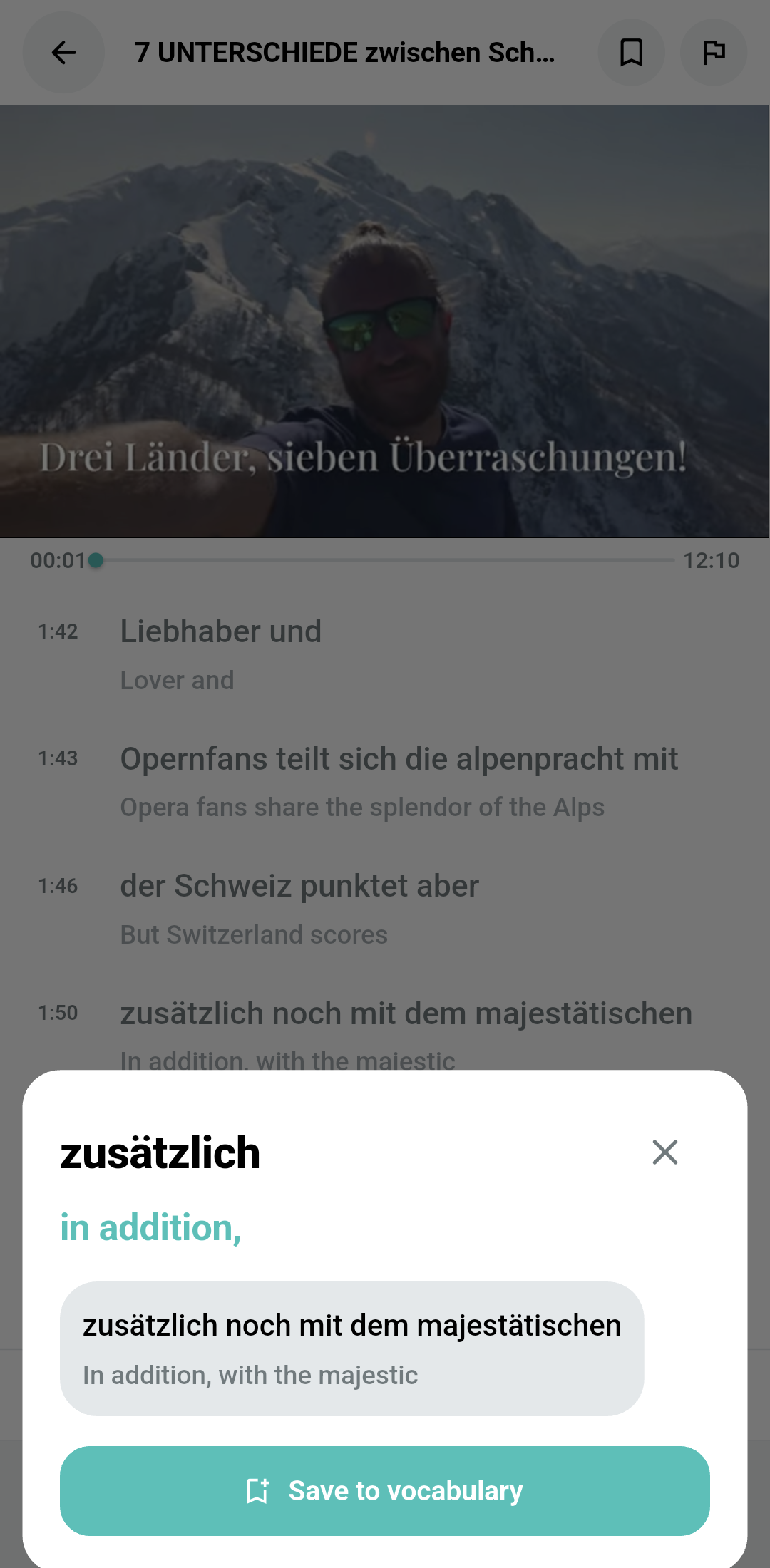
See meaning and an example
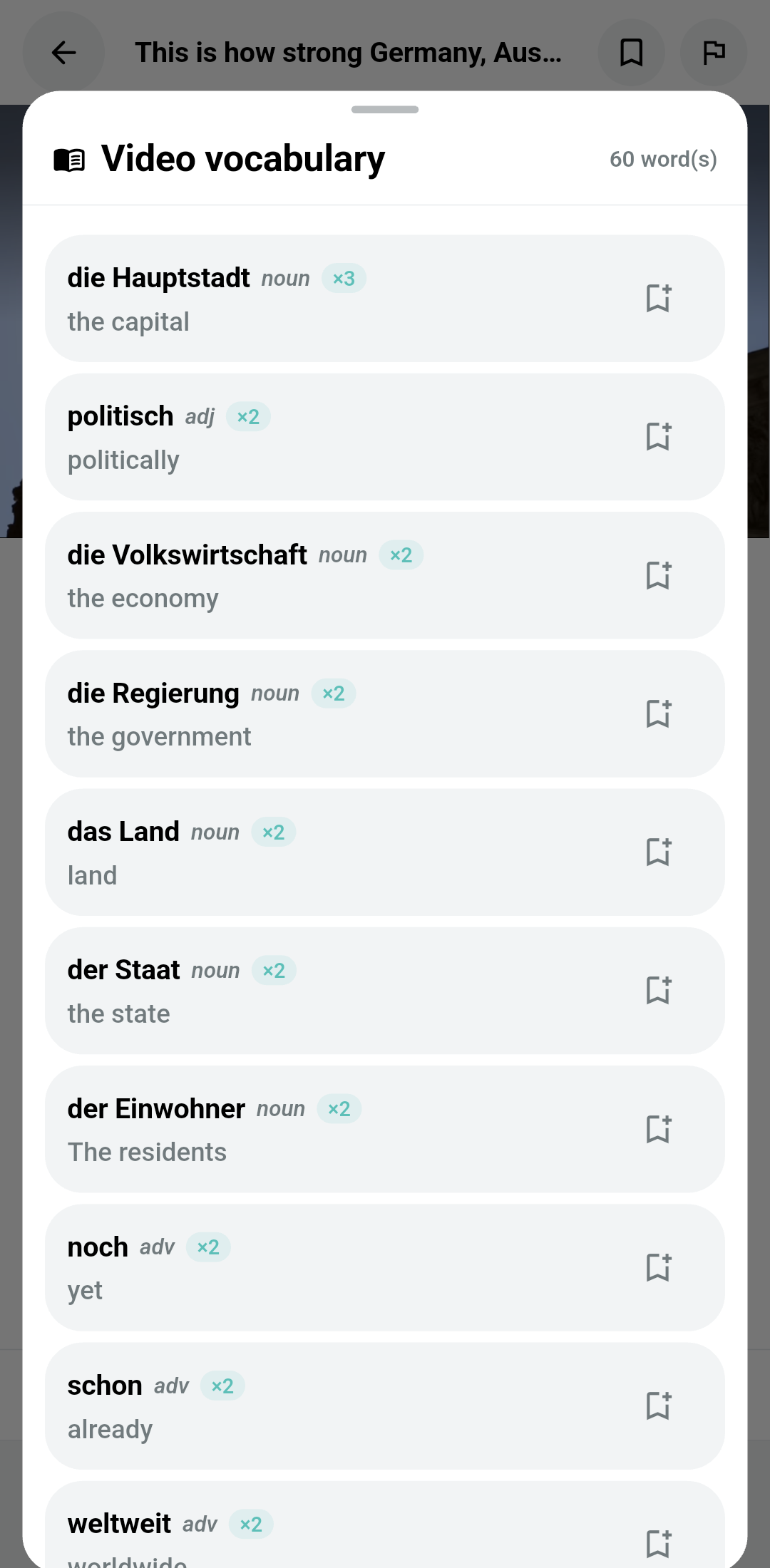
Your saved words, organized
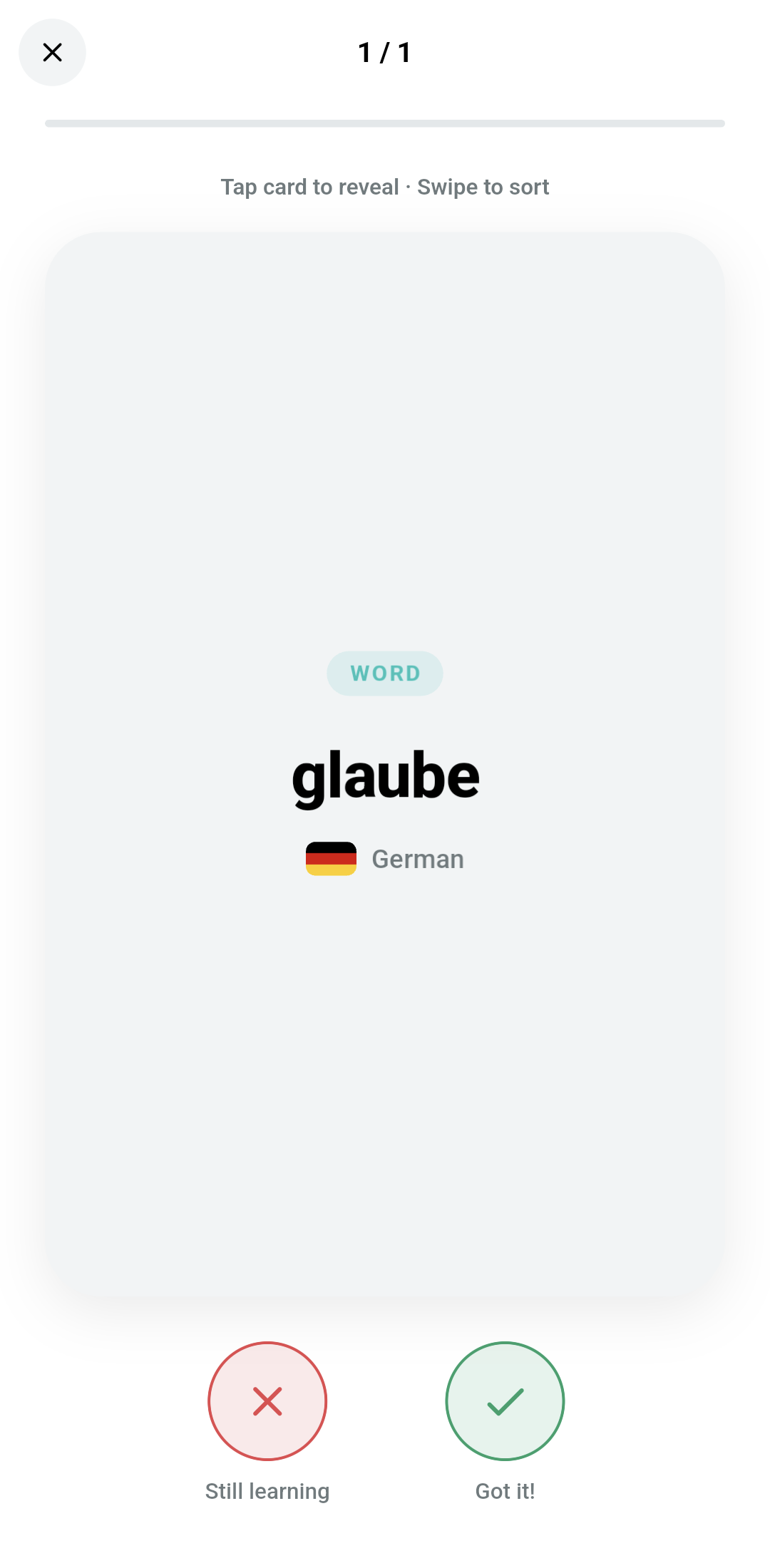
Review with flashcards
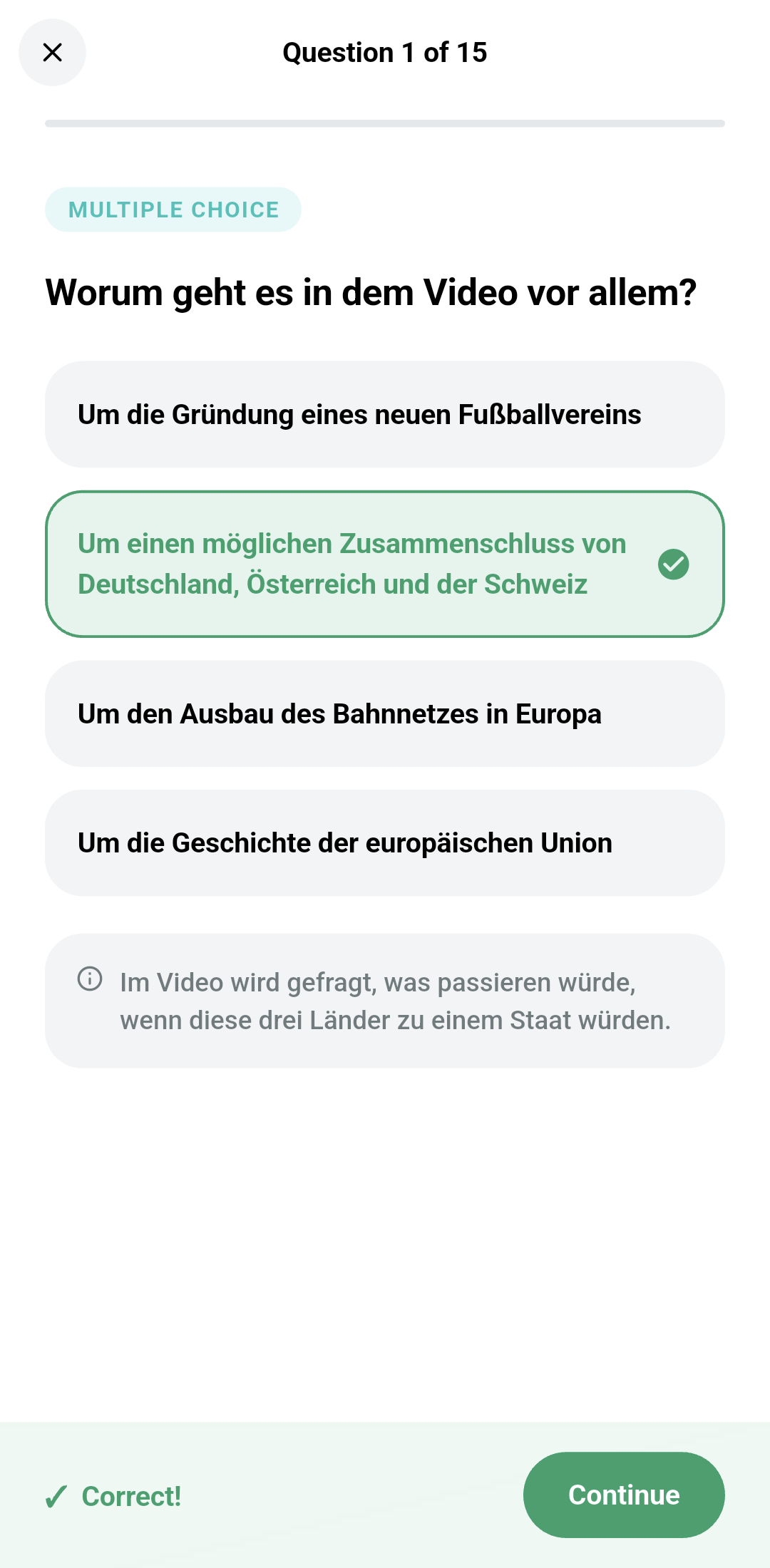
Test yourself with quizzes
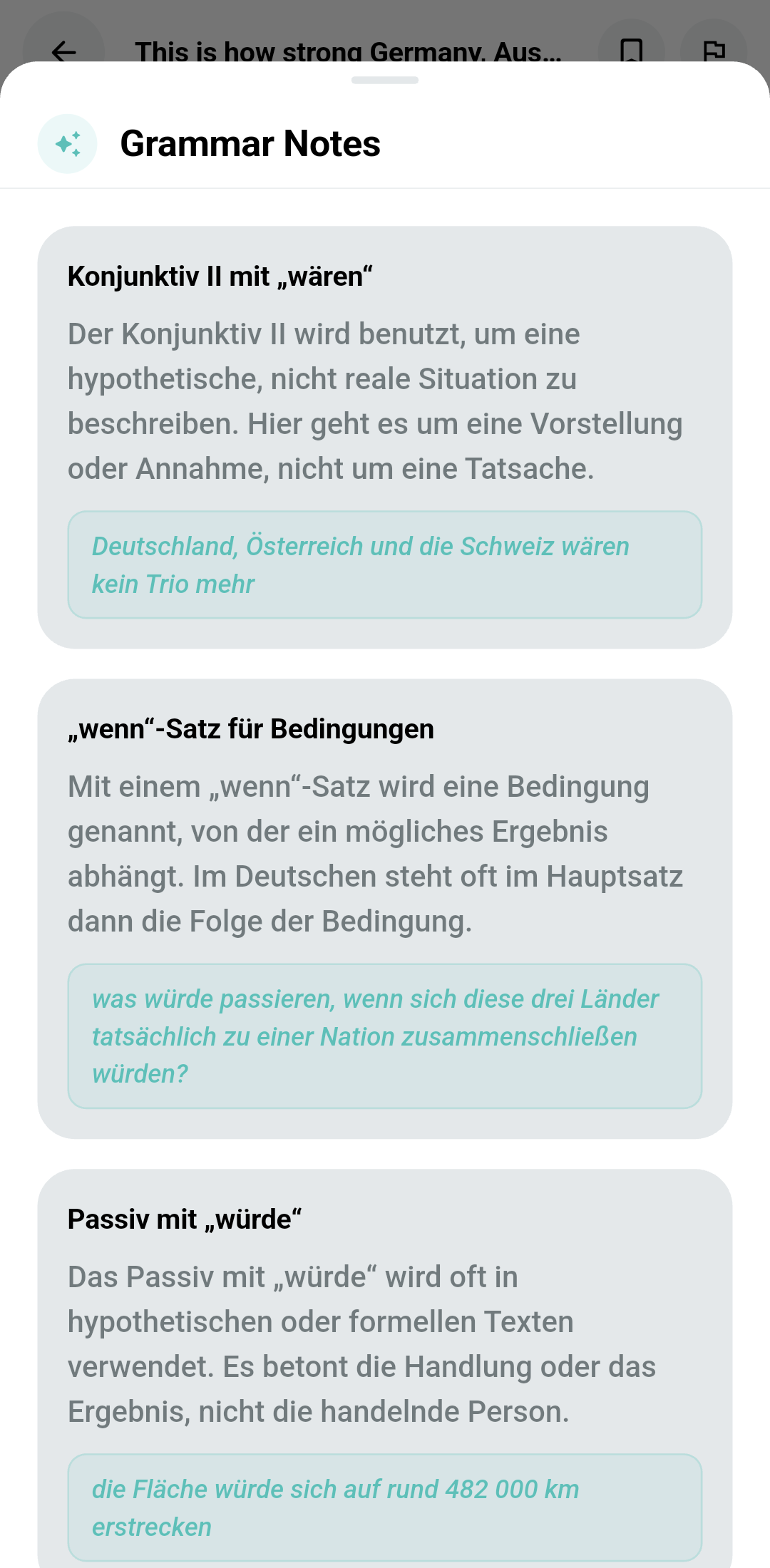
Grammar notes for every video